
when export translated terms and import after delete do not work ?
Această întrebare a fost marcată
2
Răspunsuri
11202
Vizualizări


You may want to check https://www.spinomana.com/deepl-translator which will greatly reduce time and effort for doing translations with the default export/import. This app will translate all web pages and products "en masse" automatically with the DEEPL Api and you can use glossary with it.
Kind regards
Seppe

Hi,
1. Settings-> Translations-> Import translation
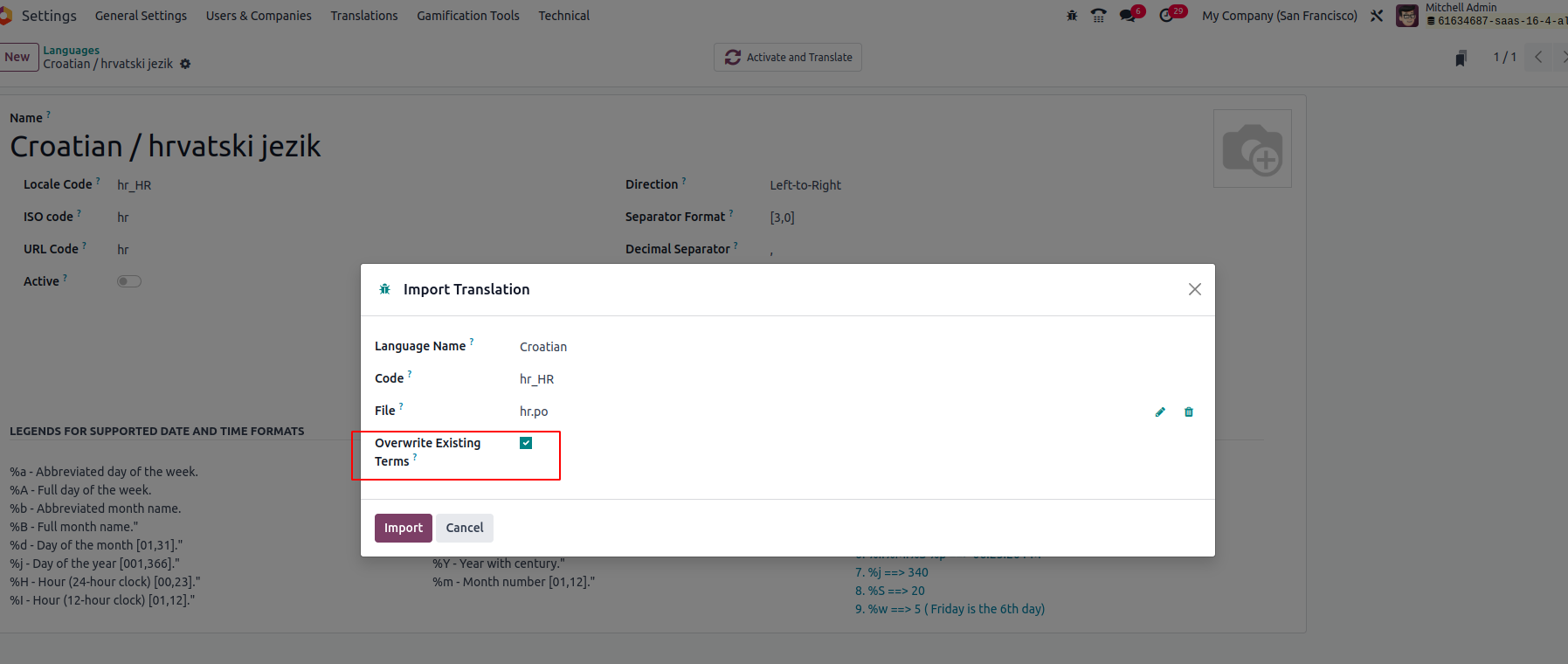
2. Don't forget to enable overwriting the existing terms
3. Import
It will replace the existing term with a newly imported one.
For more details, Please refer to the book.
Hope it helps,
Îți place discuția? Nu doar citi, alătură-te!
Creează-ți un cont astăzi pentru a beneficia de funcții exclusive și a interacționa cu minunata noastră comunitate!
Înscrie-te| Postări similare | Răspunsuri | Vizualizări | Activitate | |
|---|---|---|---|---|


|
4
iul. 24
|
9662 | ||


|
4
iun. 24
|
29306 | ||

|
3
apr. 24
|
4506 | ||
|
|
1
feb. 24
|
10751 | ||


|
2
mai 23
|
6733 |

What you deleted, please let us know? Export and import normally work perfectly.