
- How to use Google Sheet to create GS1 barcode (QR codes & linear barcode) ?
Bu soru işaretlendi
1
Cevapla
4628
Görünümler

On a Google sheet, you can create both Linear Barcode and QR codes that you can use in Odoo.
Option 1: Linear barcode.
Use "Libre barcode 128" font or any other barcode font to generate a barcode from a text.
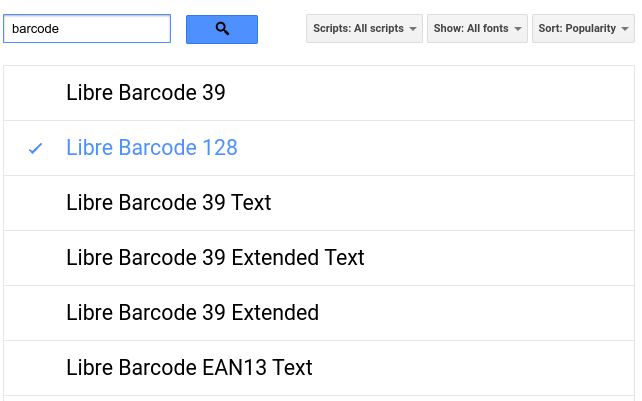
Option 2: QR codes
Use this formula to generate QR code:
=image("https://chart.googleapis.com/chart?chs=150x150&cht=qr&chl="&A1)
"A1" being the cell containing your text barcode.

Here is an example: https://docs.google.com/spreadsheets/d/1iZ8nMfyAmnD78cLKPwjZXnjz1lah9A33215xlw9oQk8/edit#gid=0
Tartışma hoşunuza mı gidiyor? Sadece okumakla kalmayın, katılın!
Özel özelliklerden yararlanmak ve harika topluluğumuzla etkileşime geçmek için bugün bir hesap oluşturun!
Üye Ol| İlgili Gönderiler | Cevaplar | Görünümler | Aktivite | |
|---|---|---|---|---|
|
How to typeset a GS1 barcode?
Çözüldü
|


|
4
Oca 24
|
12992 | |


|
2
Ara 23
|
6360 | ||

|
1
Nis 21
|
4204 | ||


|
1
Haz 25
|
3434 | ||


|
2
Nis 26
|
4591 |
