
IoT system updates
IoT Boxes and Virtual IoT Boxes update themselves automatically every week. You can still force an update if you think your IoT system is not up-to-date by accessing the homepage, clicking the (cogs) button at the top-right, then Update in the Version section.
Warning
Do not turn off or unplug the IoT box during the update process, as doing so could leave the device in an inconsistent state, requiring the IoT box to be reflashed with a new image.
In extreme cases, you might need to perform a full reset of the IoT system, which requires flashing the IoT box’s SD card or uninstalling and reinstalling the Windows virtual IoT package.
Note
A computer with a micro SD card reader/adapter is required to flash the micro SD card.
An alternative software for flashing the micro SD card is Raspberry Pi Imager.
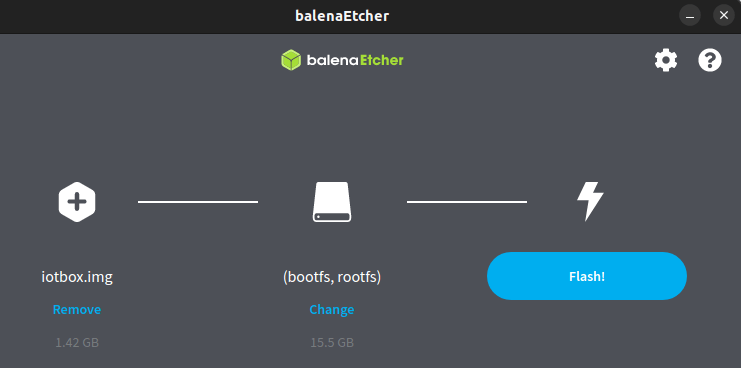
Download balenaEtcher (a free and open-source tool for writing disk images to SD cards).
Insert the IoT box’s micro SD card into the computer or adapter.
- Open balenaEtcher, click Flash from URL, and enter the following URL:
http://nightly.odoo.com/master/iotbox/iotbox-latest.zip. Click Select target and select the SD card.
Click Flash and wait for the process to finish.
Uninstall the program and reinstall the latest package.