
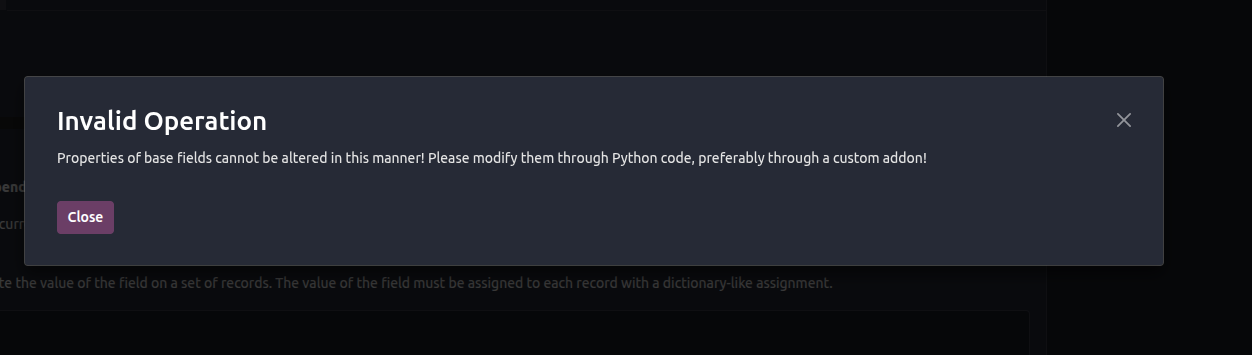
 I'm using the Odoo 19 enterprise edition. I try to hide the discount field in both access rights and the edit form view using Odoo Studio
Esta pergunta foi sinalizada
1
Responder
1917
Visualizações


Hello Vijay,
There is a group named "Discount on lines", which already controls the visibility of the "Disc %" field on the sale order line. However, if you need to add additional groups to make the field visible to, here are the steps you should follow with Odoo Studio.
Steps:
- Click on the “Edit the list view” of the sale order line view, after enabling the studio mode in the sale order form view.
- Click on the “Disc %“ field and look for the property “Allow visibility to groups” on the left panel.
- Select your preferred groups there to make the field visible for them.
I hope this will help you with your question. If not, please provide the details for further help.
Thank you.
Está gostando da discussão? Não fique apenas lendo, participe!
Crie uma conta hoje mesmo para aproveitar os recursos exclusivos e interagir com nossa incrível comunidade!
Inscrever-se| Publicações relacionadas | Respostas | Visualizações | Atividade | |
|---|---|---|---|---|
|
How to generate line numbers on quotes
Resolvido
|


|
1
jan. 25
|
6251 | |


|
2
ago. 24
|
7677 | ||


|
6
dez. 22
|
11602 | ||

|
0
abr. 26
|
1074 | ||

|
2
mai. 26
|
1693 |

Already asked here: https://www.odoo.com/forum/help-1/how-to-hide-the-field-in-saleorderline-model-based-on-group-294839