
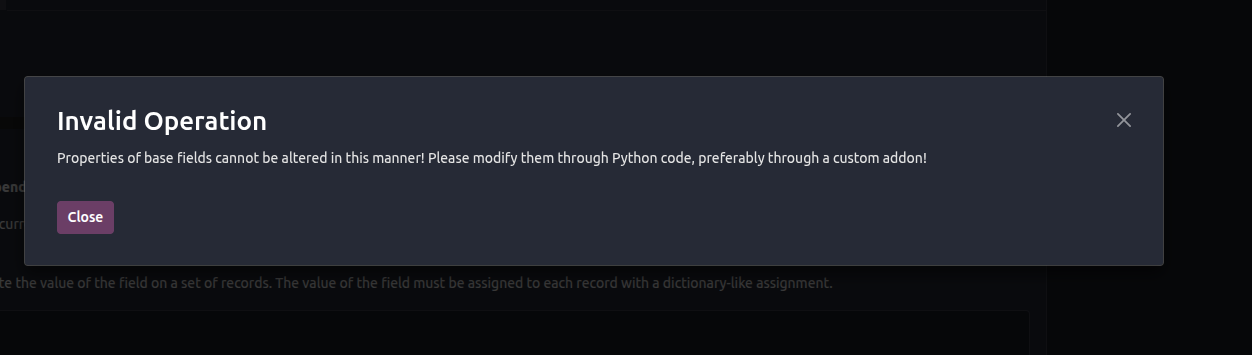
 I'm using the Odoo 19 enterprise edition. I try to hide the discount field in both access rights and the edit form view using Odoo Studio
This question has been flagged
1
Reply
1617
Views


Hello Vijay,
There is a group named "Discount on lines", which already controls the visibility of the "Disc %" field on the sale order line. However, if you need to add additional groups to make the field visible to, here are the steps you should follow with Odoo Studio.
Steps:
- Click on the “Edit the list view” of the sale order line view, after enabling the studio mode in the sale order form view.
- Click on the “Disc %“ field and look for the property “Allow visibility to groups” on the left panel.
- Select your preferred groups there to make the field visible for them.
I hope this will help you with your question. If not, please provide the details for further help.
Thank you.
Enjoying the discussion? Don't just read, join in!
Create an account today to enjoy exclusive features and engage with our awesome community!
Sign up| Related Posts | Replies | Views | Activity | |
|---|---|---|---|---|


|
1
Jan 25
|
6125 | ||


|
2
Aug 24
|
7576 | ||


|
6
Dec 22
|
11292 | ||

|
0
Apr 26
|
840 | ||

|
2
May 26
|
1594 |

Already asked here: https://www.odoo.com/forum/help-1/how-to-hide-the-field-in-saleorderline-model-based-on-group-294839