
how to create back order after validate ?
Module "Purchase Order"

how to create back order after validate ?
Module "Purchase Order"
Tạo tài khoản ngay hôm nay để tận hưởng các tính năng độc đáo và tham gia cộng đồng tuyệt vời của chúng tôi!
Đăng ký| Bài viết liên quan | Trả lời | Lượt xem | Hoạt động | |
|---|---|---|---|---|

|
1
thg 2 26
|
62 | ||


|
2
thg 7 24
|
5588 | ||


|
1
thg 6 24
|
7807 | ||


|
1
thg 10 23
|
98 | ||
|
413 Request Entity Too Large
Đã xử lý
|

|
1
thg 8 23
|
2195 |
1. Use the live chat to ask your questions.
2. The operator answers within a few minutes.

Hi,
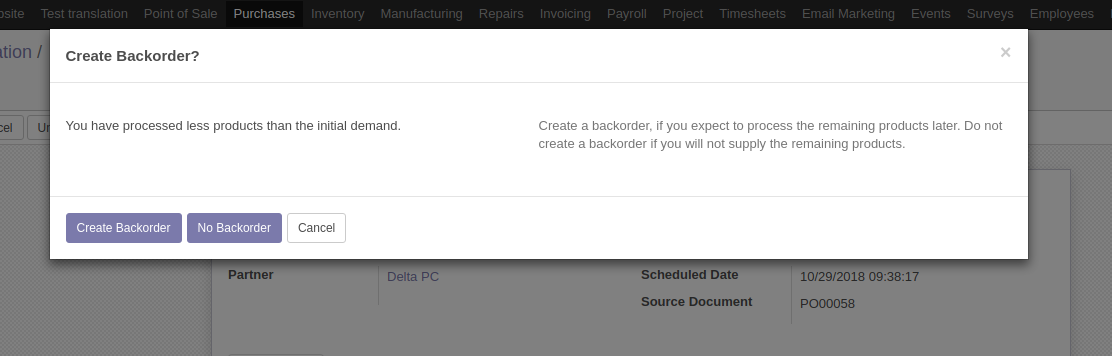
After validating A purchase order, a picking order is created. While validating it, if you have processed less products than the initial demand, the system will ask you if you want to create a backorder.
If you're interested in proceeding the remaining products, then Click on Create backorder. If not interested, Click no Backorder.
If you clicked on Create backorder ,then the system will validate the current shipment order and creates a new one with the remaining products.